Add a bio, company, location, and links to your public organization page — with an avatar that comes straight from your login provider.
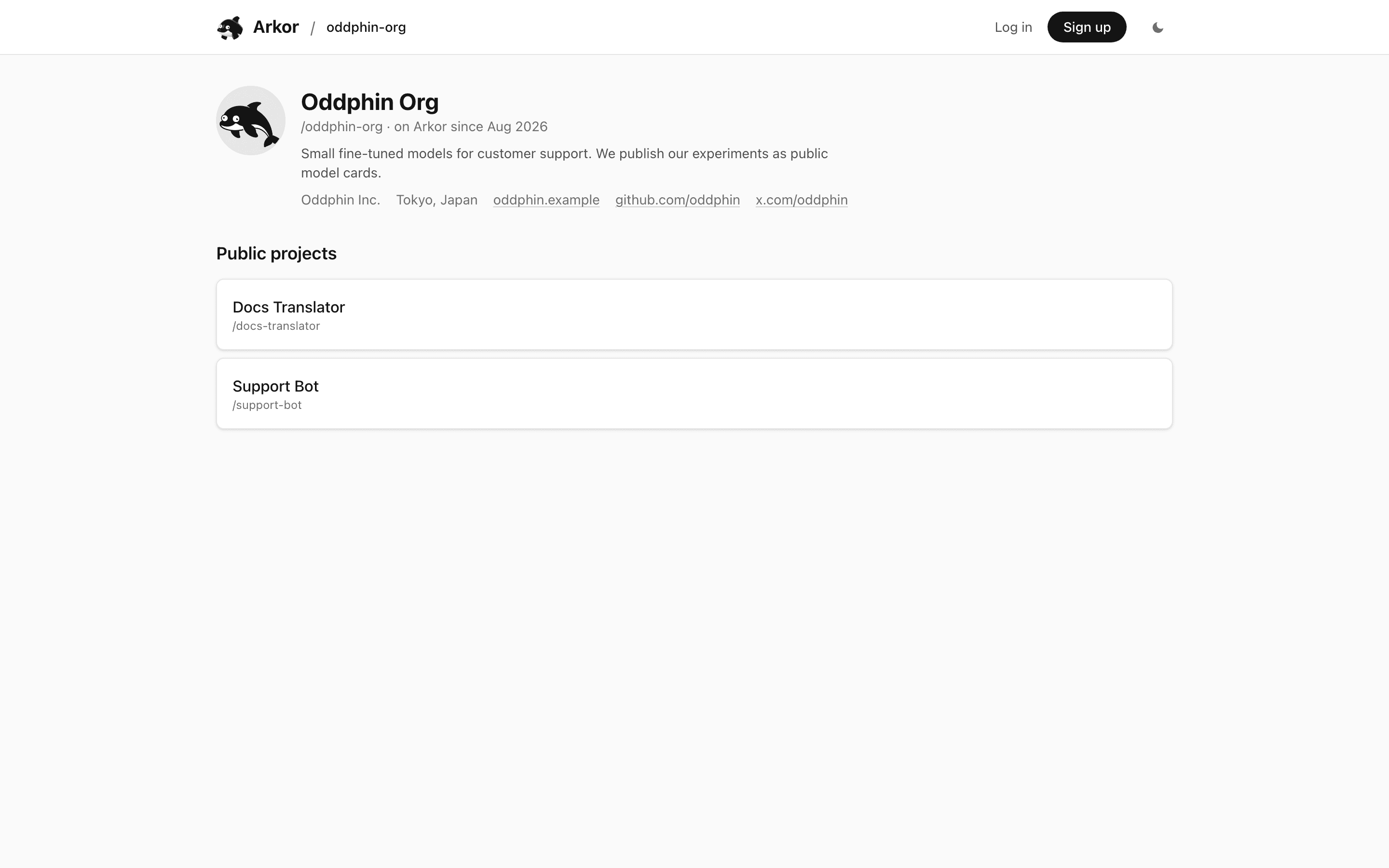
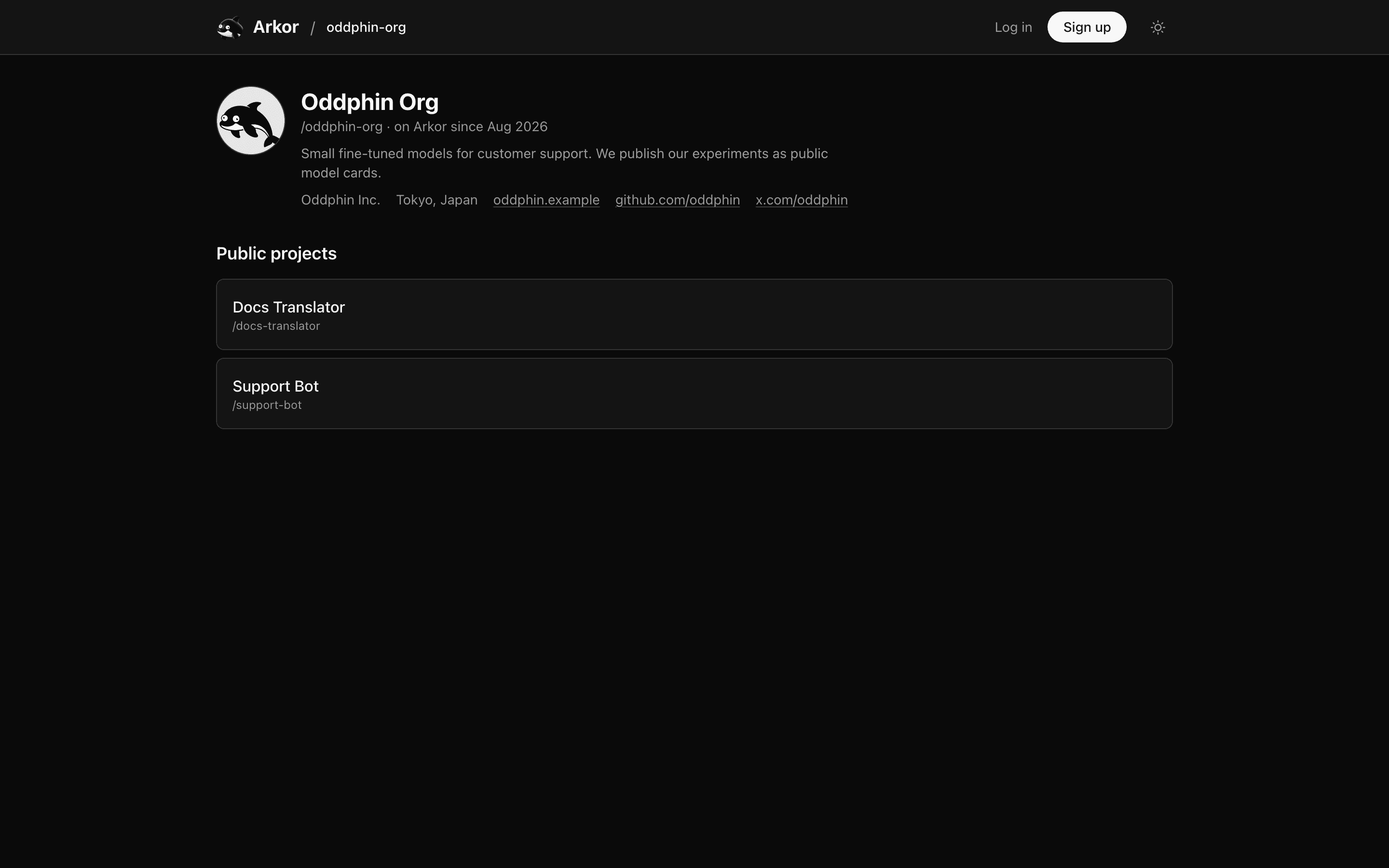
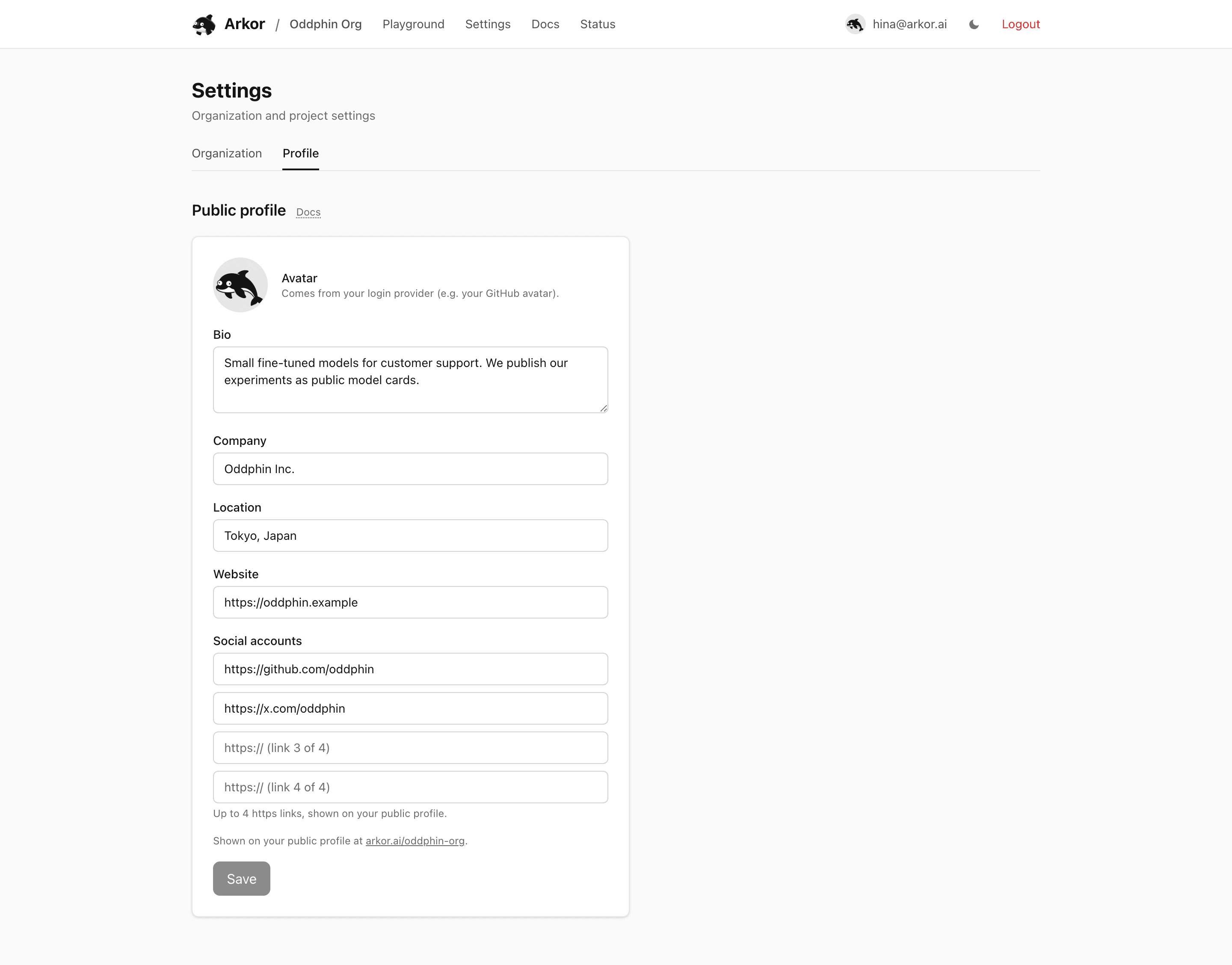
Your public organization page at arkor.ai/<org> opens with a GitHub-style profile header: avatar, display name, bio, company, location, links, and the month the organization joined Arkor. The profile fields are all optional and editable at any time from Settings → Profile; the display name is the organization's name from the Organization tab, and the avatar follows your login provider (see below).
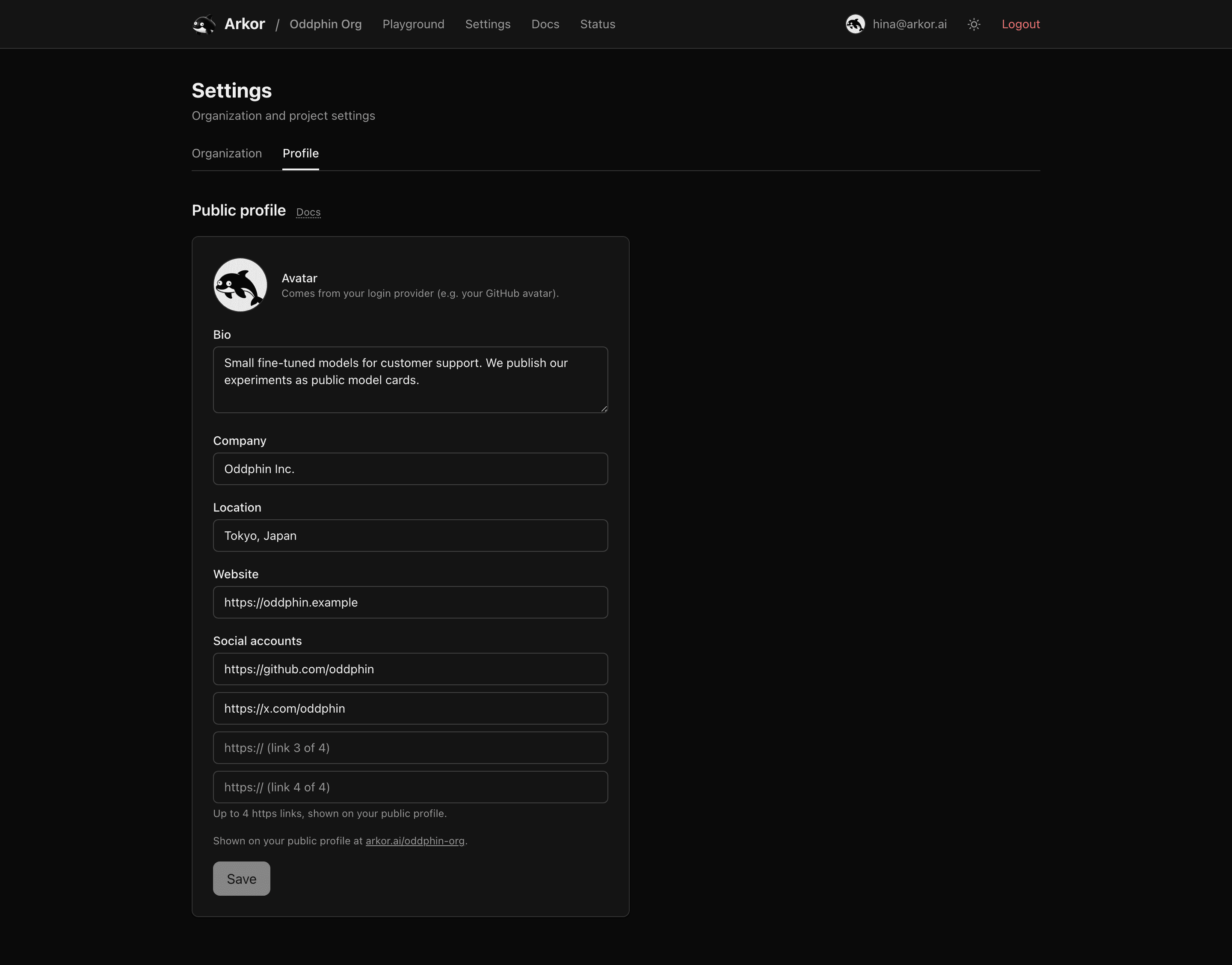
Open arkor.ai/<org>/settings and switch to the Profile tab.
https://; on the public page each is labeled with its host, path, and query (github.com/oddphin), scheme omitted.Clearing a field and saving removes it from the public page. Fields save whether or not the profile is published yet — they simply become visible once it is. Publishing itself lives on the Organization tab; see Public projects & model cards for what publishing means and why it is permanent.
The avatar is the picture attached to your login. Sign in with GitHub and your GitHub avatar appears — on the public page and next to your name in the dashboard.
A few properties worth knowing:
The public page shows the fields you entered, the avatar and join date described above, and the list of public projects — nothing else from your account. Your email address, membership details, and private projects never appear on it, and the avatar's original provider URL is not exposed — visitors only ever see the Arkor-served image.
License
The content of this page is licensed under CC BY 4.0.
Code samples are licensed under the MIT License, which asks you to keep its copyright and permission notice in all copies.
© 2026 Arkor